


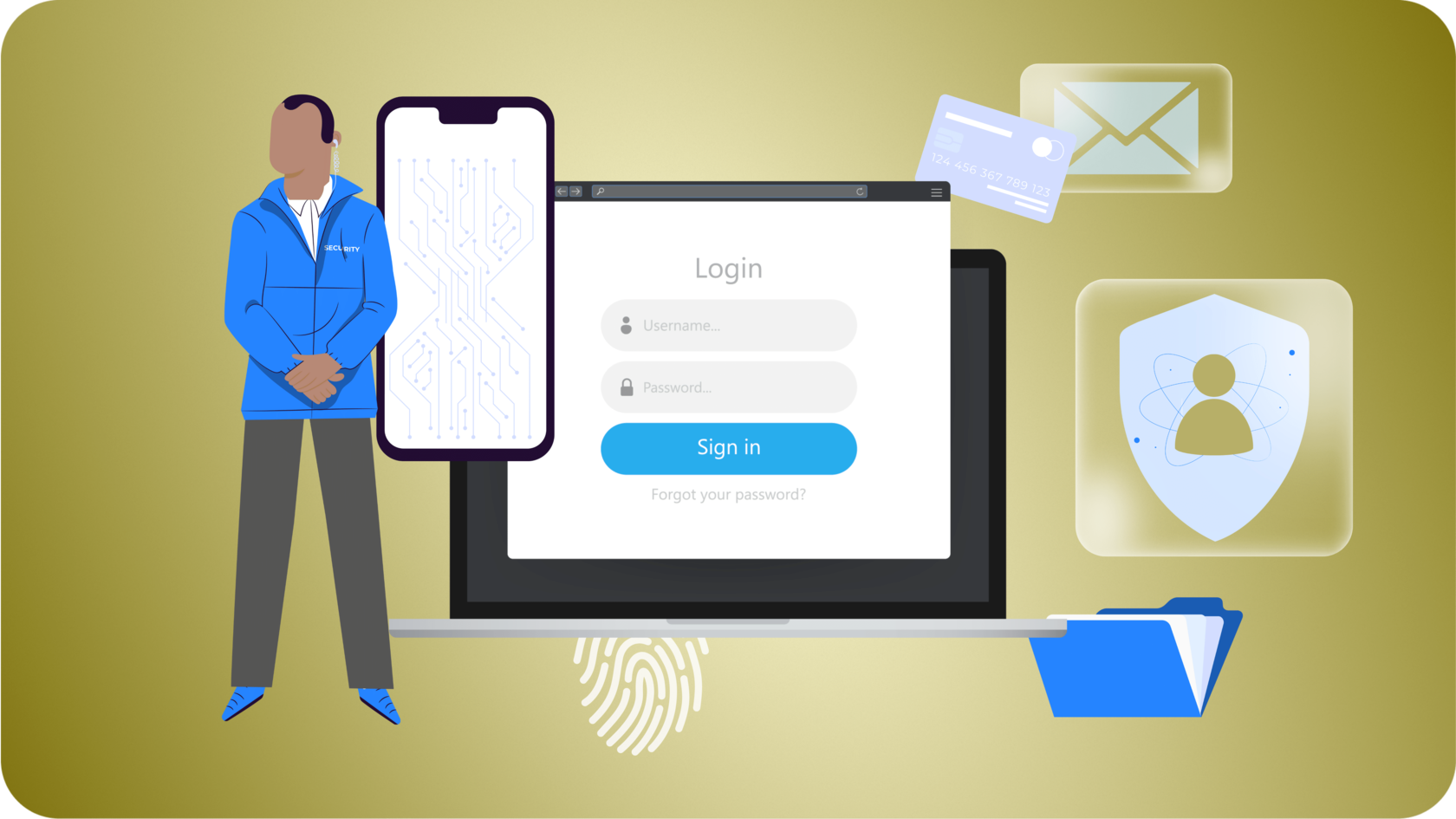
We use digital profiles to manage almost every aspect of our modern lives, from online banking and medical portals to social networks and workspace environments. This digital expansion, however, presents a serious security challenge: managing dozens of login credentials.
To protect these assets, security professionals consistently recommend creating complex, entirely unique credentials for every individual platform. However, memorizing dozens of distinct, random strings of numbers, symbols, and letters is practically impossible for the human brain.
To cope, many individuals default to dangerous habits, such as recycling identical variations of a single weak phrase or letting their web browser store passwords by default. This is exactly why an independent, dedicated password manager is no longer just an optional convenience—it is a vital requirement for personal cybersecurity.
The Critical Vulnerabilities of Traditional Password Habits
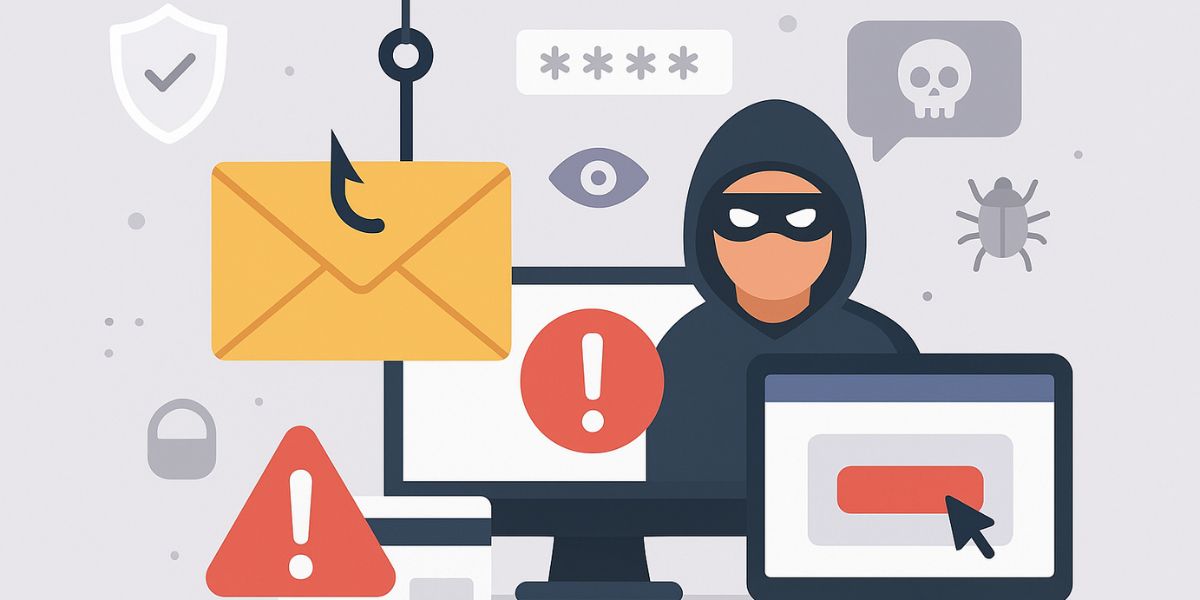
Many internet users assume their accounts are safe because they believe their personal password combinations are too obscure for a hacker to guess. In reality, modern cyberattacks rarely rely on manual guessing. Instead, malicious actors utilize automated credential-stuffing bots that test millions of leaked credential combinations across hundreds of popular websites simultaneously.
- The Domino Effect of Password Reuse: If you use the exact same password for your personal email, your food delivery app, and your online bank, a single minor data breach at the delivery company exposes all your other accounts. A hacker can buy that leaked login list on the dark web and compromise your primary accounts within minutes.
- The Vulnerability of Web Browser Storage: While saving login details inside your web browser seems convenient, it introduces clear security risks. If a bad actor gains brief physical access to your unlocked device or installs information-stealing malware on your operating system, they can easily export the browser’s stored credentials in plain, readable text.
- The Pitfall of Simple Mnemonics: Swapping letters for numbers (like turning “Password” into “P4ssw0rd”) no longer fools modern cracking software. Automated cracking tools are explicitly pre-programmed to anticipate these basic substitutions instantly.
Understanding how users perceive these digital threats is a major focus for security researchers. According to user behavior studies published by information technology scholars at Telkom University, analyzing how individuals weigh risk versus convenience highlights that relying on native, automated browser saving often exposes users to unmitigated memory anxieties and hidden operational vulnerabilities when a local device layer is compromised (Wijaya, 2025).
What Exactly is a Password Manager?
A password manager is a dedicated, highly secure software application designed to act as a digital vault for your sensitive login credentials. Instead of forcing you to remember fifty different complex phrases, you only need to memorize one single, exceptionally strong phrase—known as your master password.
- Automated Complex Generation: When creating a new online profile, the vault automatically generates a chaotic, random string of characters (e.g., $k9!mP2@vQxF7z) that is virtually impossible for automated cracking scripts to decipher.
- Encrypted Storage: Your vault keeps your entire collection of credentials hidden behind a wall of zero-knowledge encryption, meaning no one else can read your data.
- Cross-Platform Synchronization: Professional vaults run smoothly across your smartphone, laptop, and desktop computer, safely filling in your login fields automatically whenever you visit a familiar app or website.
Password Vault System Flow in Cyber Security
- Input Layer: Master Password entered on local device.
- Security Barrier: Zero-Knowledge local encryption converts input to unreadable data blocks.
- Target Account A (Online Bank): Vault autofills highly complex unique phrase ($k9!mP2@vQxF7z).
- Target Account B (Work Workspace): Vault autofills entirely different complex phrase (7#vX!pQ9m2$zKb).
- Target Account C (Personal Email): Vault autofills independent complex string (aR4_mP9!xZ2#vT).
How to Evaluate and Pick the Safest Vault
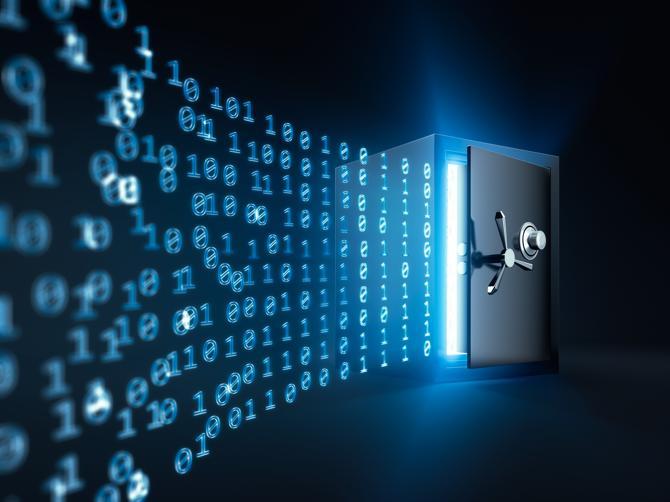
Not all password managers are designed with the same security architecture. When choosing a platform to guard your digital identity, look for these foundational safety requirements:
- Zero-Knowledge Architectural Design: This is the most crucial requirement. Zero-knowledge means the software provider encrypts your data locally on your physical device before it ever travels to their online backup servers. The vendor does not possess the encryption key, meaning even if the provider’s corporate offices are completely hacked, your data remains fully encrypted and unreadable.
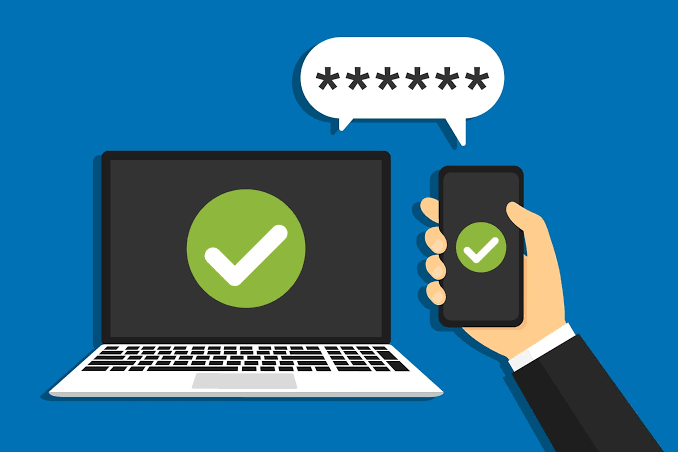
- Mandatory Multi-Factor Authentication (MFA): The safest managers require you to provide a second form of identification—such as an authenticator app code or a physical hardware security key—before granting access to your vault, blocking hackers even if they somehow guess your master password.
- Biometric Integration and Auto-Locking: Pick a software vault that supports facial recognition or fingerprint scanning on your mobile phone, and ensure the application is configured to lock itself automatically after a few minutes of user inactivity.
- Independent Security Auditing: Reputable security companies regularly publish independent, third-party security audits of their source code to prove their infrastructure contains no hidden security flaws or backdoors.
Restricting unauthorized access to your account credentials is the critical first line of defense against modern social engineering threats. To discover how malicious actors attempt to trick individuals into revealing their master credentials over fraudulent messages or phone calls, read our comprehensive guide on Phishing, Smishing, and Vishing: How to Spot and Avoid Modern Social Engineering Attacks on this website.
Conclusion
Your digital security is only as strong as your weakest account password. Relying on your memory or recycling simple phrases creates an open invitation for automated cyberattacks. By shifting your credentials into a dedicated, zero-knowledge password manager, you eliminate human error from your personal security setup. A password manager empowers you to maintain unique, highly complex configurations across all your online services, keeping your private data secure, organized, and out of reach from malicious actors.
Frequently Asked Questions (FAQ)
1. What happens if I completely forget my master password?
Because reputable password managers operate on a strict zero-knowledge architecture, the provider cannot reset your master password or recover your data for you. To prevent losing access permanently, most secure vaults provide a unique, printable physical emergency recovery key during your initial registration that must be kept in a safe physical location.
2. If a password manager company gets hacked, are my passwords stolen?
If the company utilizes a true zero-knowledge encryption model, your data is completely safe from theft. Even if hackers successfully download the company’s cloud database, they only obtain heavily scrambled, unbreakable blocks of encrypted data that cannot be unlocked without your personal master password.
3. Are free password managers safe to use?
Yes, many top-tier security companies offer excellent free subscription tiers that include core zero-knowledge encryption features. However, you should stick to well-known, independently audited security firms and avoid anonymous or unverified utility apps in app stores that lack transparent security documentation.
References
- Hadnagy, C. (2024). Social Engineering: The Science of Human Hacking (2nd ed.). John Wiley & Sons.
- Kim, D., & Solomon, M. G. (2022). Fundamentals of Information Systems Security (4th ed.). Jones & Bartlett Learning.
- Wijaya, N. A. (2025). Analisis Persepsi Risiko dan Perilaku Keamanan Informasi Pengguna terhadap Penggunaan Fitur Simpan Password Otomatis di Google Chrome [GMO]. Pra Proposal – Telkom University, 2(2). https://citilabs.telkomuniversity.ac.id/journals/index.php/prapro/article/view/494