

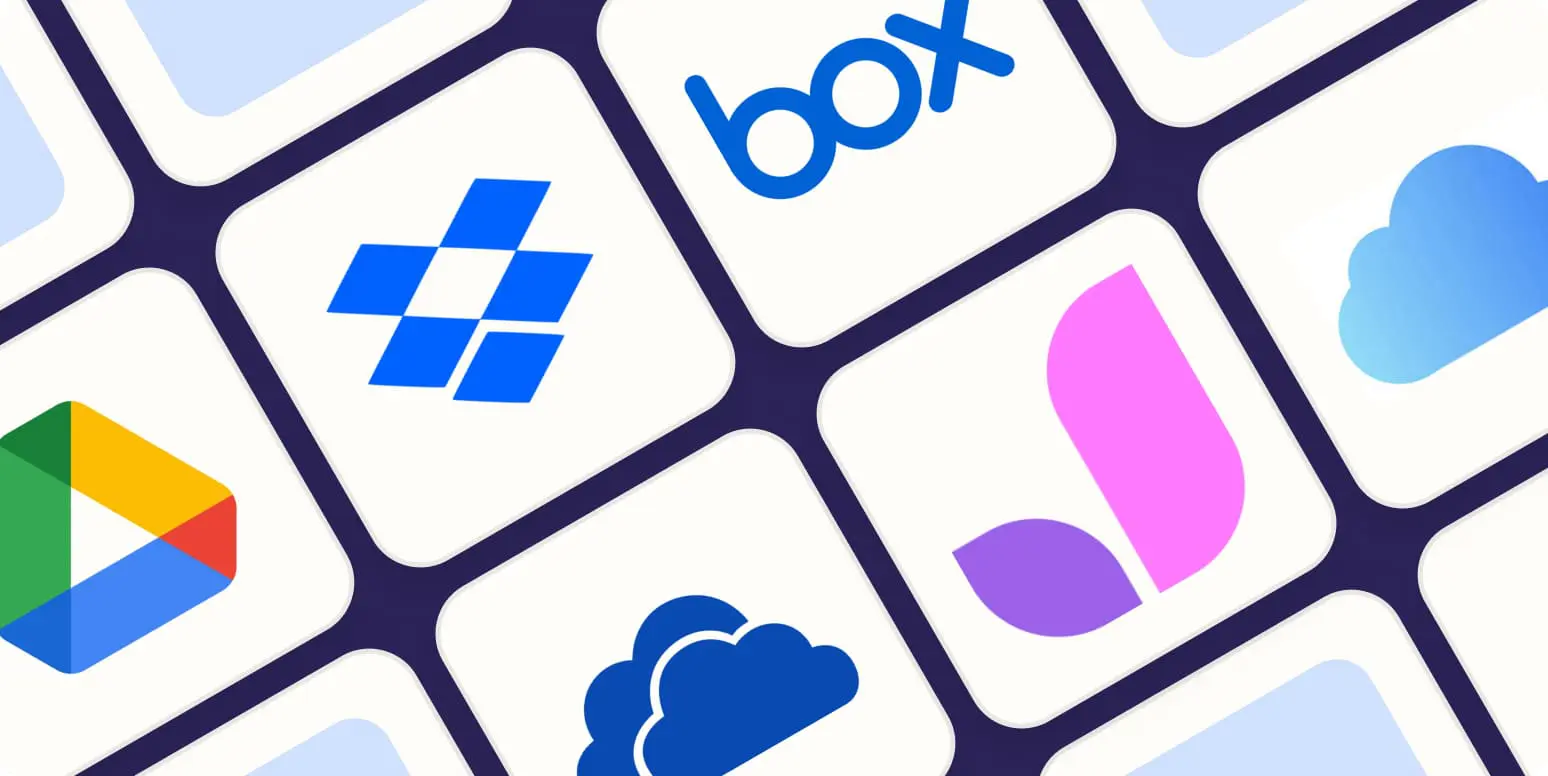

Many internet users believe that if their documents, spreadsheets, and pictures are saved somewhere online, their digital lives are perfectly protected. They confidently upload files to popular consumer platforms like Google Drive, Dropbox, or OneDrive, assuming they have built an unbreachable disaster recovery system.
In reality, there is a profound structural and operational difference between general cloud storage utilities and true cloud backup services. Confusing these two distinct technologies is one of the most common mistakes made by small business owners and everyday consumers alike. While both systems preserve your files inside global data centers, they are architected to solve completely opposite digital problems: collaboration versus historical replication.
Cloud Storage: Built for Accessibility and Active Collaboration
Cloud storage platforms act as an expandable, virtual hard drive accessible over the internet. These tools are explicitly designed to simplify file sharing, mobile access, and real-time team collaboration.
- Continuous Two-Way Synchronization: Cloud storage platforms typically create a designated folder on your laptop. Any file you drop into this folder is automatically mirrored to the cloud and synchronized across your other linked devices.
- Manual Interaction Dependencies: Users generally choose exactly which individual files or folders they want to upload, rather than protecting their entire operating system or database backend.
- Real-Time Collaboration Engines: Multiple remote employees can log into a single cloud storage link simultaneously to edit a shared document, view live media assets, or update client sheets.
While this setup is incredibly convenient for daily workflows, it introduces a massive security risk known as the sync dilemma. Because cloud storage relies on a real-time, matching relationship between your local device and the remote folder, any destructive change you make locally is instantly replicated online. If a malicious ransomware attack encrypts your laptop files, or if you accidentally format a directory, your cloud storage app will dutifully synchronize those broken configurations, ruining your online copies simultaneously.
Cloud Backup: Designed for Disaster Recovery and Historical Resilience
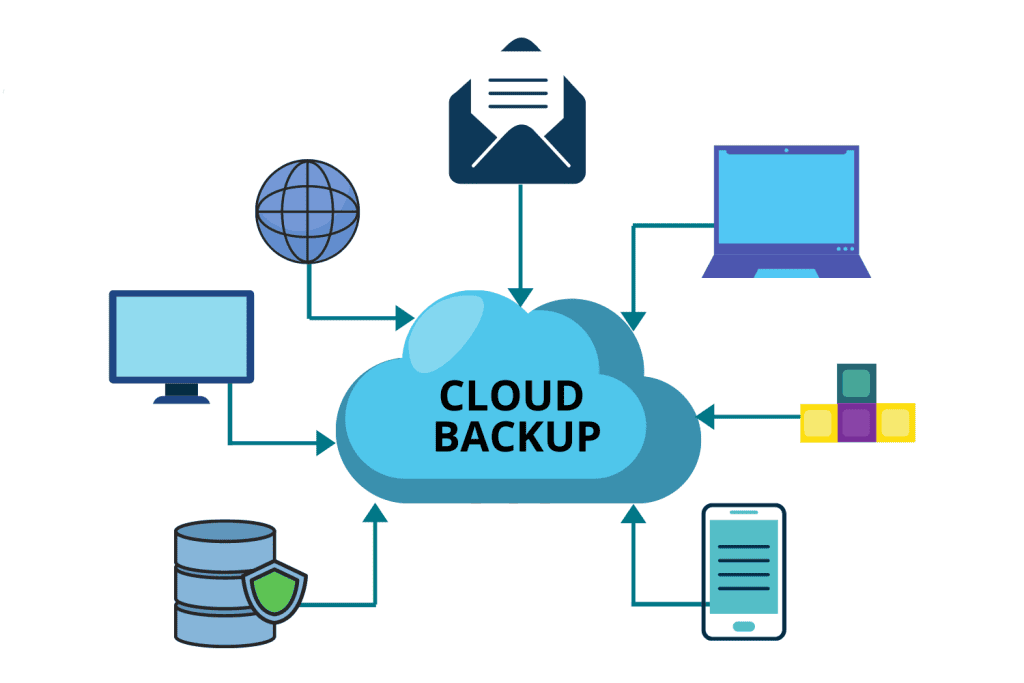
True cloud backup services (such as Backblaze, Acronis, or Carbonite) serve a completely different operational mandate: automated data preservation. Instead of acting as an interactive folder for daily work, a cloud backup service runs quietly as a background system program, creating a secure, historical archive of your entire device architecture.
- Automated Block-Level Tracking: Once configured, the utility scans your computer automatically on a continuous or daily schedule. It tracks every sector of your hard drive, capturing modifications to files, operating system settings, and software registries without requiring any human intervention.
- Persistent Multi-Version History: Cloud backup applications do not simply mirror your current state. They maintain a comprehensive history of your files across time. If a file becomes corrupted or altered by malware, you can look back through an interface calendar and restore a version from an exact hour, day, or week before the incident occurred.
- Asymmetrical Mirror Protection: Deleting a folder on your physical laptop to clear up local disk space will not trigger an immediate deletion inside a true cloud backup vault. The remote archive remains insulated and intact according to your data retention policy parameters.
Managing these continuous cloud synchronization and scheduling channels efficiently requires balancing high data availability with background resource optimization. According to distributed software engineering research published by systems scholars at Telkom University, implementing precise background sync management frameworks ensures that persistent data replication processes maintain absolute file validation without draining local device memory or interrupting user operations (Arisandi & Ghalib, 2022).
Ready to discover the deep physical engineering behind the warehouses keeping these massive online repositories alive? To trace your packets from your home router to global server racks, check out our comprehensive guide on How Cloud Storage Actually Works: Where Your Data Goes When It Leaves Your Device right here on our website.
Architectural Comparison Matrix
Understanding where responsibility shifts between these two platforms can be summarized through the following straightforward points:
Operational Comparison Table
- Core Characteristic: Primary Purpose
- Cloud Storage Utilities: Real-time collaboration, document sharing, and immediate mobile file access.
- True Cloud Backup Services: Complete disaster recovery, systemic asset preservation, and business continuity.
- Core Characteristic: Sync Behavior
- Cloud Storage Utilities: Two-way real-time mirroring (deleting a local file deletes the cloud copy).
- True Cloud Backup Services: One-way automated scheduling (retains independent historical file versions).
- Core Characteristic: Scope of Protection
- Cloud Storage Utilities: Limited to specific user-selected files dropped manually into a designated sync folder.
- True Cloud Backup Services: Broad system images, including configurations, registries, application data, and internal drives.
- Core Characteristic: Ransomware Resilience
- Cloud Storage Utilities: Low (Encrypted or corrupted files are immediately synchronized online).
- True Cloud Backup Services: High (Allows users to roll back the entire system state to a pre-attack timestamp).
Relying on a single storage ecosystem leaves your assets exposed to unexpected system vulnerabilities. To learn how to weave local drives and remote services into an airtight, industry-standard defensive strategy, explore our technical breakdown, The 3-2-1 Backup Strategy: The Golden Rule for Never Losing Your Files, hosted directly on our site.
Conclusion
Cloud storage and cloud backup are complementary technologies, not substitutes for one another. Cloud storage provides the flexibility and convenience needed to collaborate efficiently with a modern, distributed workforce. However, it lacks the historical versioning, automation, and isolation required to safeguard your business from an unexpected hard drive crash or ransomware event. To protect your digital footprint completely, you must combine the collaborative accessibility of cloud storage with the robust, automated disaster protection of a dedicated cloud backup system.
Frequently Asked Questions (FAQ)
1. Can a business safely use both cloud storage and cloud backup at the same time?
Yes. In fact, utilizing both simultaneously is highly recommended by cybersecurity professionals. You should use a cloud storage platform (like Google Drive) to manage your daily active team projects and collaborative files, while simultaneously running a true backup service in the background to continuously capture a snapshot of your entire machine infrastructure.
2. Is standard cloud storage enough to comply with official corporate data retention laws?
Rarely. Highly regulated industries—such as healthcare, finance, and legal services—must comply with strict data preservation mandates that require tamper-proof historical logs and immutable records. Because cloud storage permits users to easily modify or permanently delete files at any time, it fails to meet the compliance standards provided by dedicated archival backup services.
3. What happens to my automated cloud backup if my internet connection goes down mid-sync?
If your network connection drops during a scheduled backup run, the utility daemon will safely pause the process without corrupting your historical records. The software is pre-programmed to track exactly which data blocks were successfully transmitted and will quietly resume the upload cycle from the exact point of interruption once your connection stabilizes.
References
- Arisandi, D., & Ghalib, M. R. (2022). Design of Automatic Data Synchronization System for Multi-Client Cloud Storage Environments. Journal of Computing and Engineering Architecture – Telkom University, 14(2), 89–98. https://scholar.google.com/citations?user=HaelSx0AAAAJ
- Kurose, J., & Ross, K. (2021). Computer Networking: A Top-Down Approach (8th ed.). Pearson.
- Velte, A. T., Velte, T. J., & Elsenpeter, R. (2023). Cloud Computing: A Practical Approach (2nd ed.). McGraw-Hill.