



Microsoft PowerPoint is a Microsoft Office application program that functions as a multi-slide presentation medium. This application is very popular and is used in various fields such as education, offices, business, teaching, and training. The presence of PowerPoint makes it easier to deliver presentations through its attractive and advanced features. Its template and design features also make presentations more visually appealing.
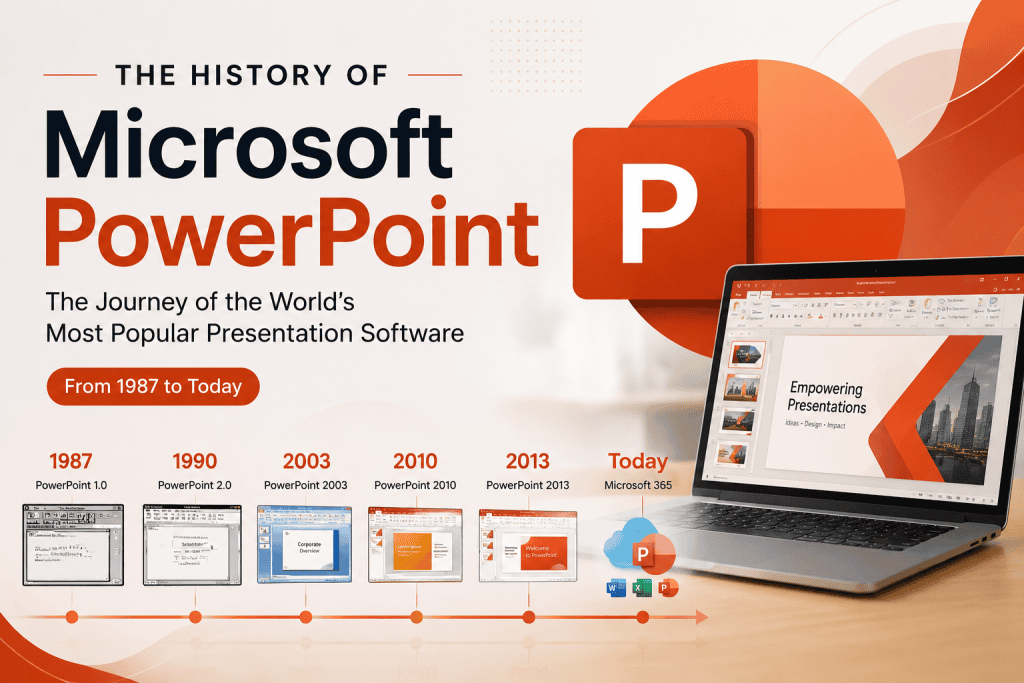
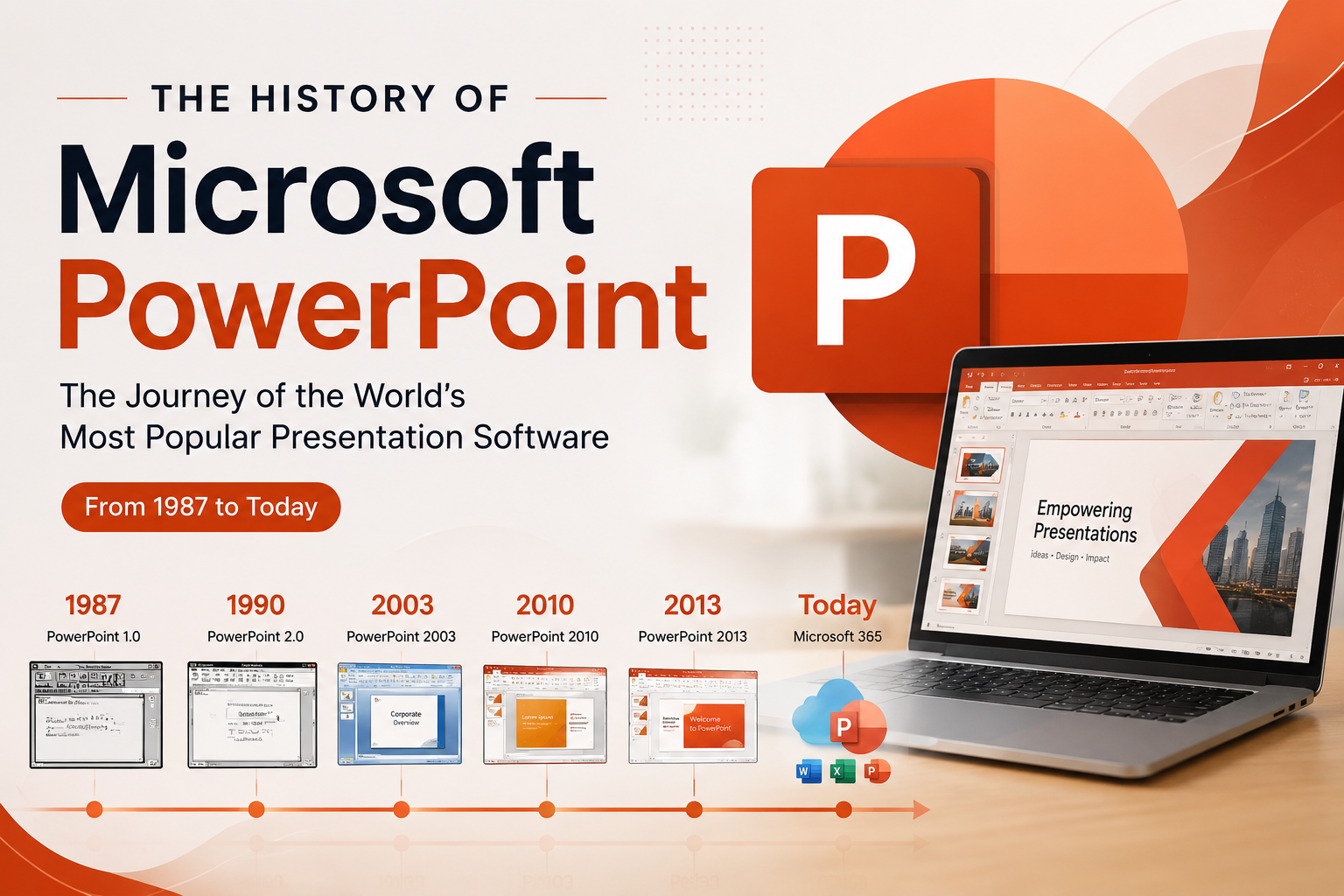
Microsoft PowerPoint was first developed by Bob Gaskins and Dennis Austin. At that time, Microsoft PowerPoint was used as a presentation program for Forethought, Inc., but its name was later changed to PowerPoint. PowerPoint version 1 was released in 1987 and was supported by Macintosh computers. At that time, PowerPoint still used black-and-white displays and was capable of creating text and graphic pages for overhead projector transparencies (OHP). The following year, after the release of Macintosh Color, Microsoft PowerPoint introduced color support.
On July 31, 1987, Microsoft acquired Forethought, Inc. along with PowerPoint for $14 million. Following the release of Microsoft Windows 3.0, PowerPoint for Microsoft Windows (version 2.0) was introduced to the market in 1990. Since then, Microsoft PowerPoint has been closely associated with applications within the Microsoft Office suite, becoming one of its core products. To this day, Microsoft PowerPoint continues to evolve and receives additional features every year. The latest version at the time was Microsoft Office PowerPoint 2013 (version 15), released in January 2015. Microsoft PowerPoint 2013 significantly improved its user interface and graphics, making it more attractive and user-friendly. This release also introduced the XML data format with the .pptx extension, replacing the previous binary data format.
Functions of Microsoft PowerPoint
Microsoft PowerPoint is presentation software developed by Microsoft. The main function of Microsoft PowerPoint is to create engaging multimedia presentations using slides, text, images, charts, videos, and audio. Below are some of the primary functions of Microsoft PowerPoint:
1. Creating Presentations
PowerPoint allows users to create professional and engaging presentations. You can create slides containing text, images, charts, and videos, and customize the layout and design according to your needs.
2. Organizing Slide Order
PowerPoint enables users to arrange the order of slides and select transition types between slides. You can easily reorder slides, delete slides, add new slides, and determine transition effects.
3. Adding Visual Elements
PowerPoint provides a variety of tools to enhance your presentation. You can add images, charts, shapes, icons, and other visual elements to slides. In addition, PowerPoint offers animation features to bring these elements to life during presentations.
4. Inserting Multimedia
You can insert videos, audio files, and voice recordings into PowerPoint presentations. This allows you to include video clips, background music, or explain slides using recorded narration.
5. Applying Designs
PowerPoint offers a wide range of design templates that can be used to change the overall appearance of slides. You can choose from various themes, slide layouts, color schemes, and fonts, or create custom designs according to your preferences.
6. Delivering Presentations
After creating a presentation, PowerPoint provides a slideshow feature. In slideshow mode, you can present in full-screen view, use navigation buttons to move between slides, and display animations and multimedia according to the predefined sequence.
7. Sharing and Collaboration
PowerPoint allows you to easily share presentations with others. You can send presentations via email, upload them to cloud storage, or collaborate directly with others through built-in sharing and collaboration features.
8. Printing and Creating Notes
PowerPoint also allows users to print presentations in various formats, including slides, speaker notes, and handouts. This feature makes it easier to save notes or supporting materials needed during presentations.
Advantages of Microsoft PowerPoint
1. Can Be Used Almost Anywhere
Store your presentation on a USB flash drive or in any cloud storage application, and you can access your PowerPoint presentation anytime. Since it is part of the standard professional software environment, you can access your presentations from virtually anywhere with your user license.
2. Collaborative Solution
Working from home has become increasingly common. Tools that enable teamwork across different locations are in high demand. PowerPoint adapts to this situation through its online cloud storage, allowing multiple users to work on the same presentation simultaneously without sending files back and forth.
3. Multiple Uses
PowerPoint is an adaptable and versatile tool. It is not only used for presentations but also for creating handouts, marketing materials, GIFs, videos, and resumes. Many organizations use PowerPoint to create infographics, social media posts, and client presentations.
4. Export in Various Formats
With PowerPoint, users can export materials in formats other than .pptx. Presentations can be saved as PDF files to reduce file size, videos can be exported as MP4 files, and GIFs can be saved as animated GIFs. Slides can also be saved as PNG or JPG images.
5. Integration with Microsoft Office Applications
PowerPoint integrates seamlessly with other Microsoft Office applications such as Word and Excel. This allows users to import and edit data from other applications while maintaining consistent formatting across documents.
Disadvantages of Microsoft PowerPoint
1. High Risk of Technical Problems
Technical issues can occur at any time when using PowerPoint for presentations. Computers may stop working, require updates before a presentation begins, or lose power during a presentation. Connectivity issues with HDMI, VGA, or adapters can also arise. Additionally, PowerPoint presentations may depend on fonts or videos stored locally, which may not function properly on another computer if not embedded correctly.
2. Platform Limitations
PowerPoint is primarily designed for computers running the Windows operating system. Although versions are available for Mac and mobile devices, there are some differences in features and functionality across platforms.
3. Not Suitable for All Types of Presentations
Although PowerPoint is a powerful tool, it may not be suitable for every type of presentation. Certain topics or content may be better delivered through live demonstrations or interactive media.
Similar Products
There are several products similar to Microsoft PowerPoint that can be used as alternatives depending on user needs and preferences. Some examples include:
1. Visme
Unlike many presentation applications that only provide templates and features specifically for presentations, Visme offers the ability to create various graphic design materials such as infographics, reports, flyers, and even GIFs.
According to the official Visme website, the application includes thousands of easy-to-use templates, images, icons, charts, maps, and data widgets.
2. Keynote
Keynote is Apple’s flagship presentation application, similar to Microsoft PowerPoint on Windows. Keynote provides users with various tools to create unique and attractive presentations.
The application offers 30 presentation templates with professional and visually appealing designs. It also includes a variety of charts, photos, objects, and transitions that can be incorporated into presentations. Keynote can be used on iPad, Mac, iPhone, and Apple computers.
3. Canva
Canva is an online design platform that provides a wide variety of templates for different purposes. These include social media posts, infographics, resumes, brochures, and presentations.
Canva categorizes its templates into various styles such as simple, business, and modern. The templates offered by Canva are known for their distinctive and creative designs.
Conclusion
Microsoft PowerPoint is a popular and versatile presentation software. It offers several advantages, including ease of use, strong multimedia features, customizable designs, integration with Microsoft Office applications, team collaboration capabilities, and comprehensive presentation tools. However, it also has some disadvantages, such as design creativity limitations, the risk of information overload, excessive use of effects and animations, platform limitations, and unsuitability for certain types of presentations.
Nevertheless, PowerPoint remains a popular and useful tool for creating engaging and professional presentations. With a good understanding of its advantages and disadvantages, users can utilize its features wisely and create effective and impressive presentations.